 pawlooks
Your pet's camera roll,
one book for every age
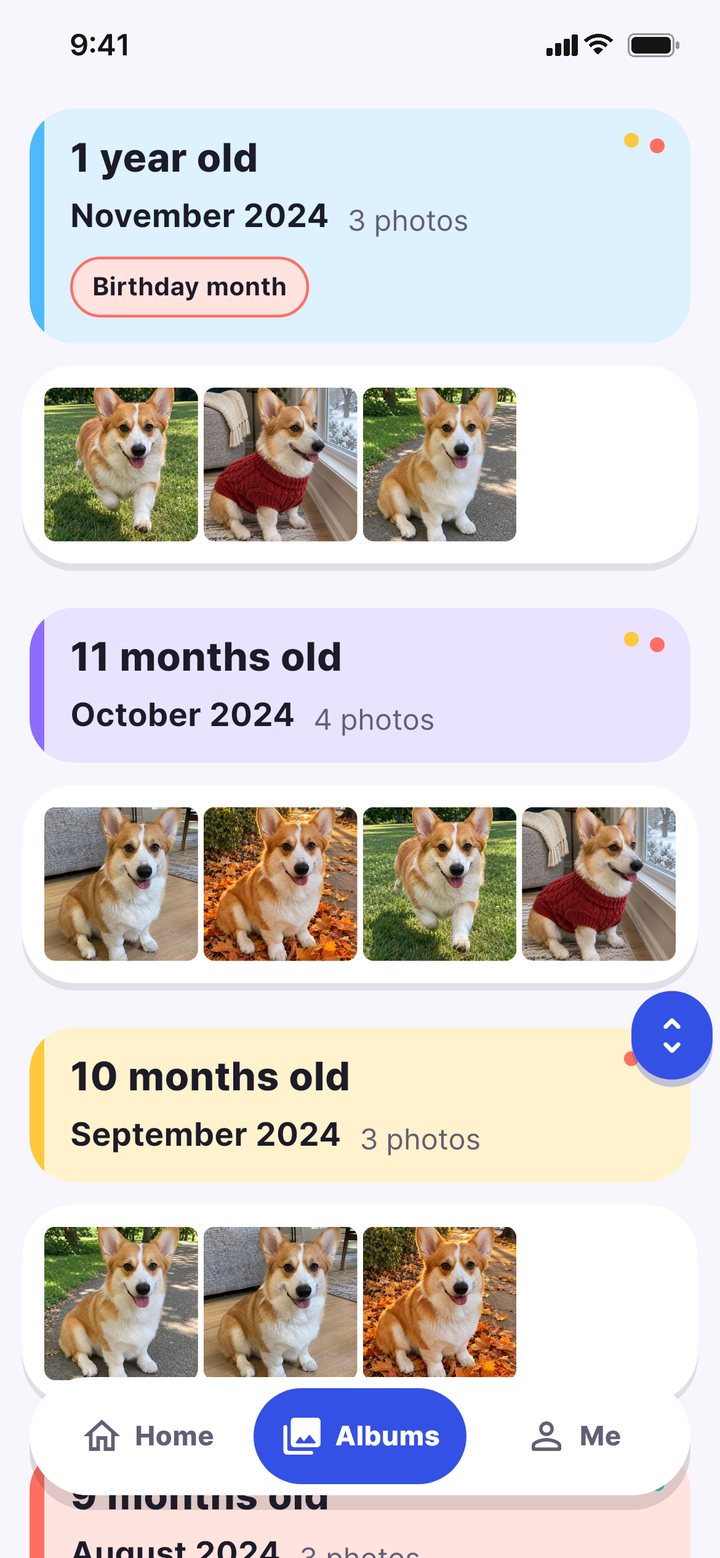
Your gallery stacks photos by date. pawlooks binds your dog's or cat's photos by age. Here are screens from the real app.
- No sign-up to start
- Photos stay on your phone
- iPhone now, Android soon
- Flip by ageGrouped by months old
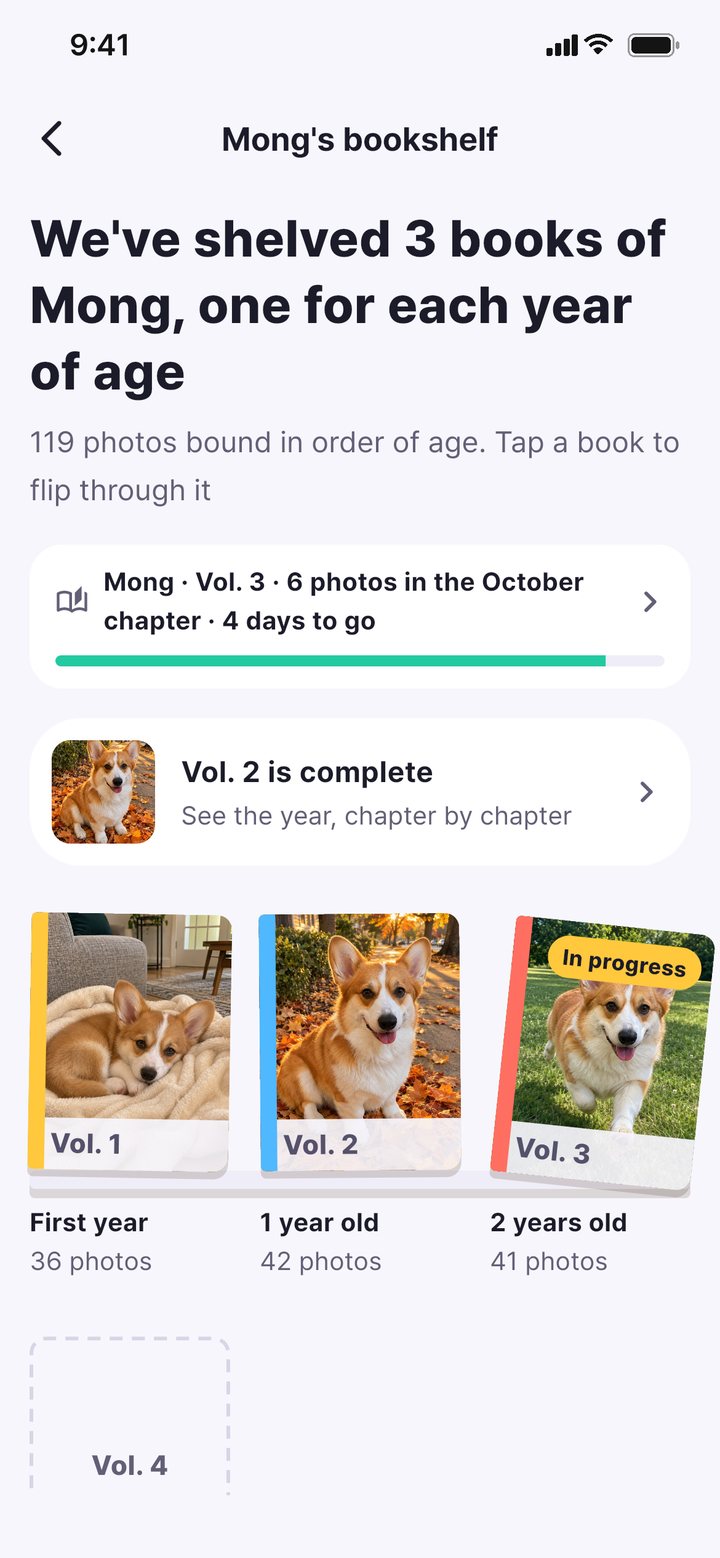
- A book a yearOne for each year of age
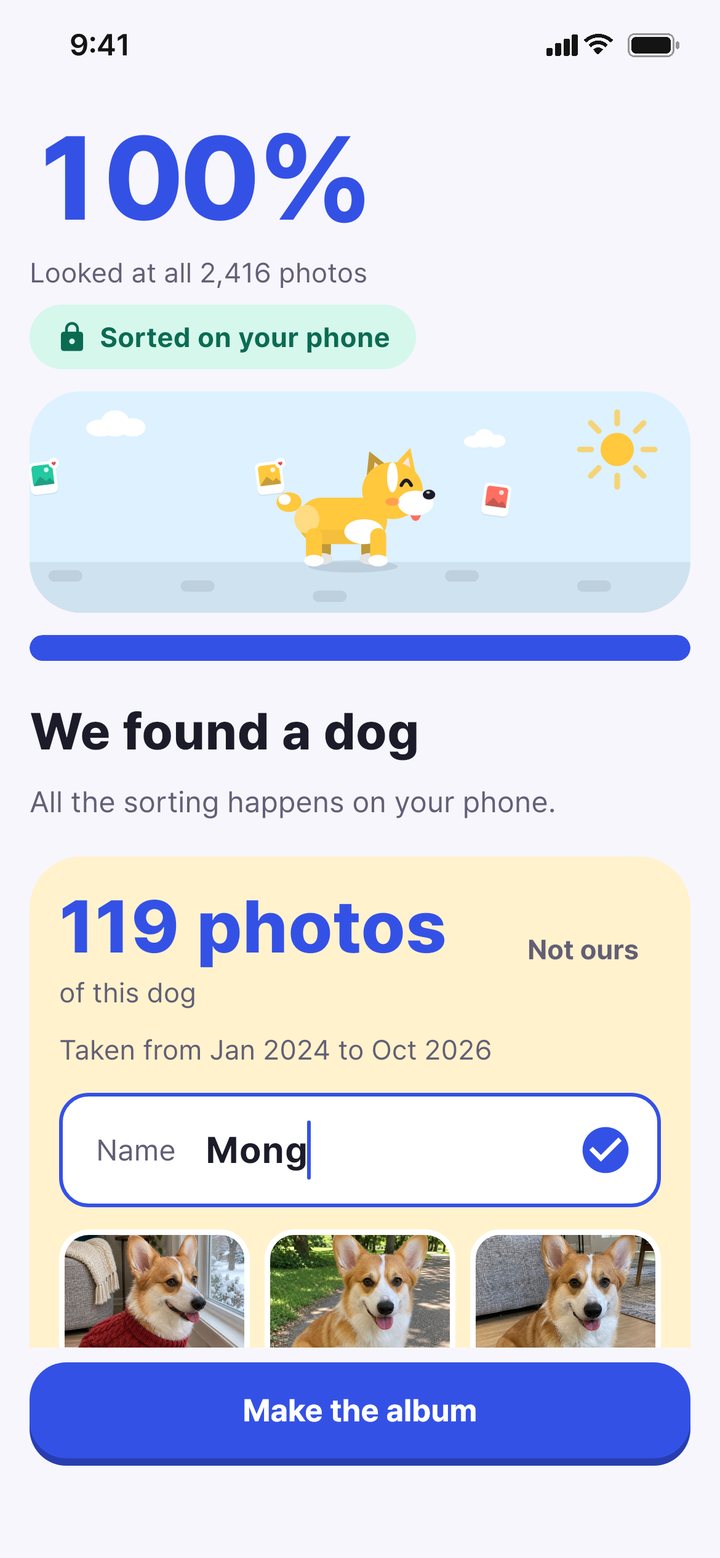
- Found on your phonePhotos never leave it
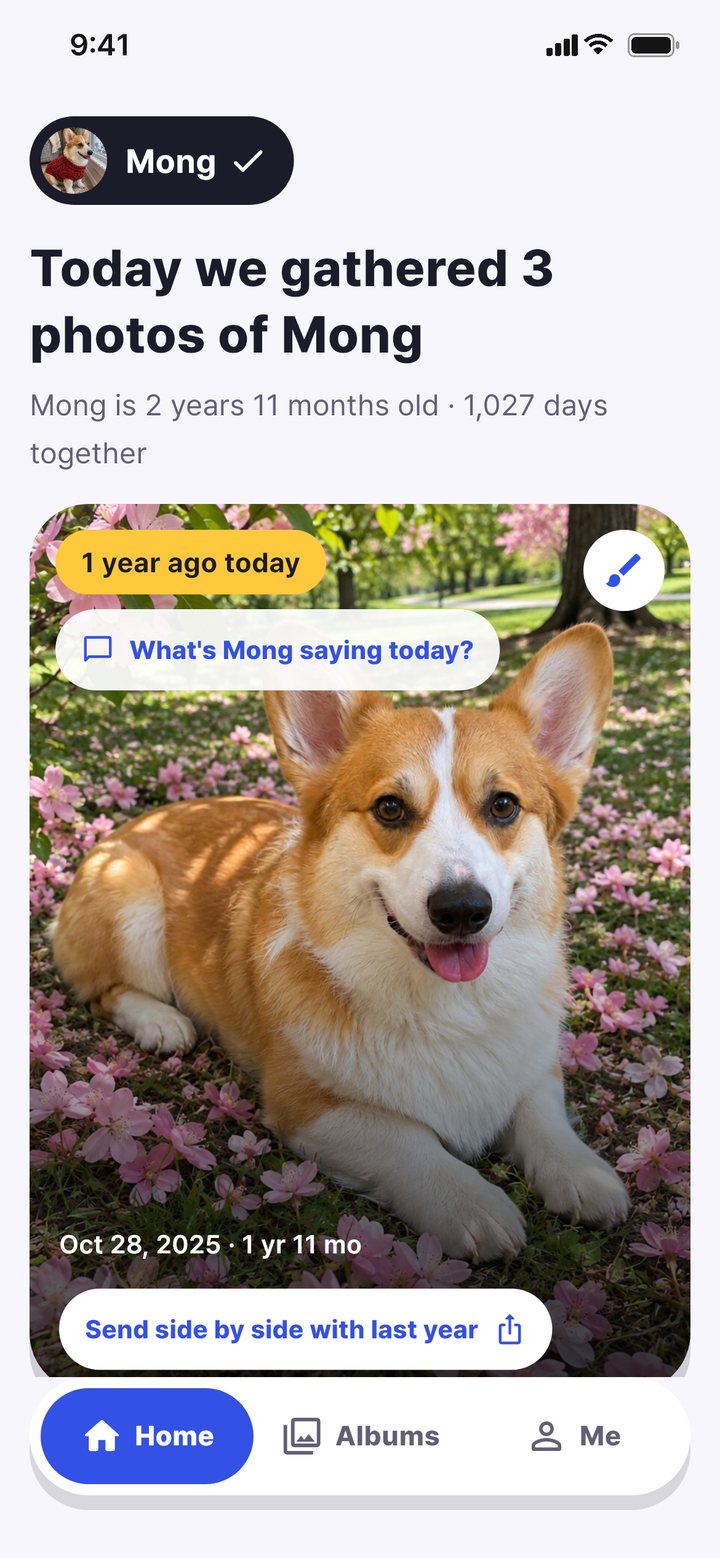
- Home, every dayToday's photo comes first
Your gallery sorts by date.
pawlooks sorts by age.
Same photos, a different way to keep them. What matters most is not when you took the photo, but how old your pet was.
Camera roll
By date · 6,372 photos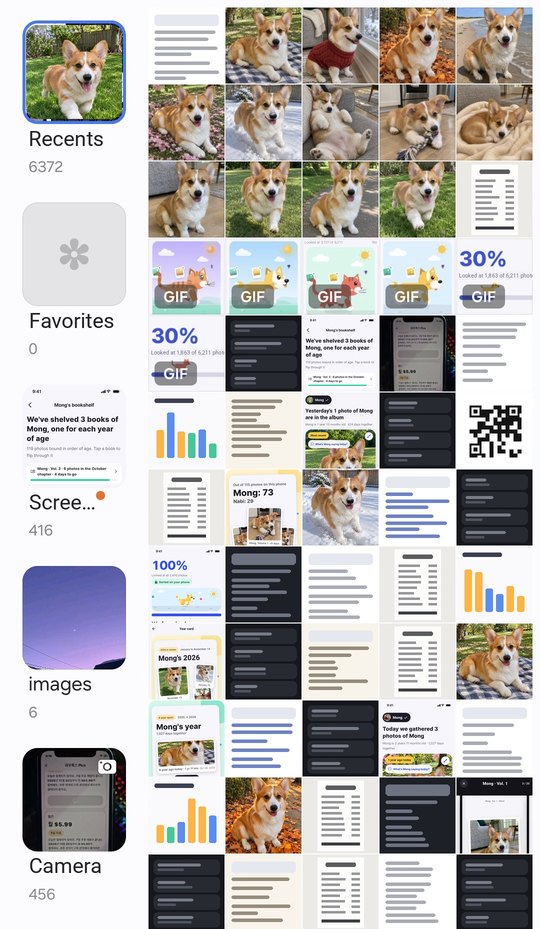
A real gallery app screen, with sample photos and labels shown in English. Your pet is buried between receipts and screenshots.
pawlooks
Mong · by age · 1,284 photosThe real app. One chapter for every age, one book for every year.
Opening your albums feels different, too
Same photo library, but what greets you on the album screen is different.
Albums in a gallery app
A list of folders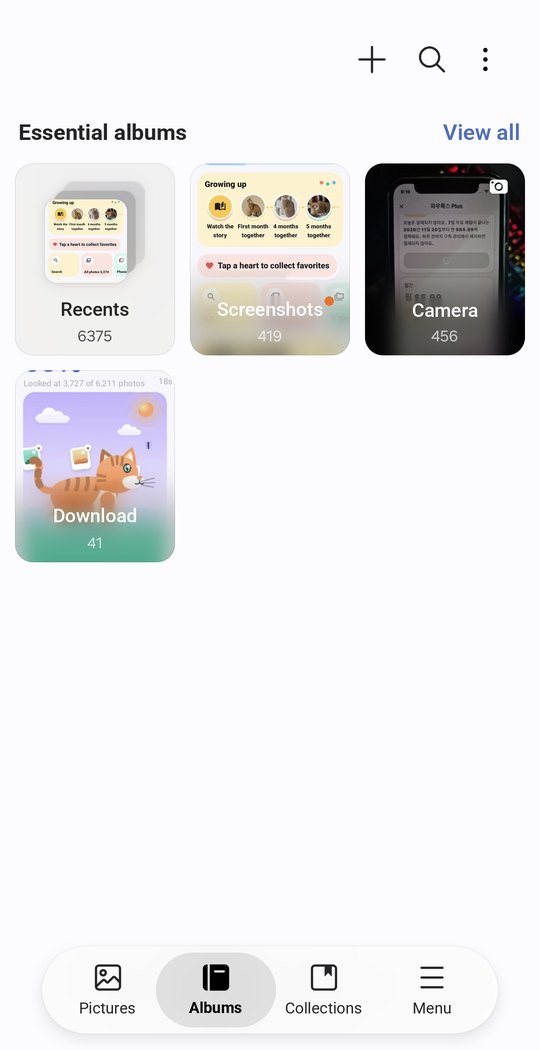
Recents, Screenshots, Camera. Folders split by where a photo was saved.
Albums in pawlooks
Your pet's life album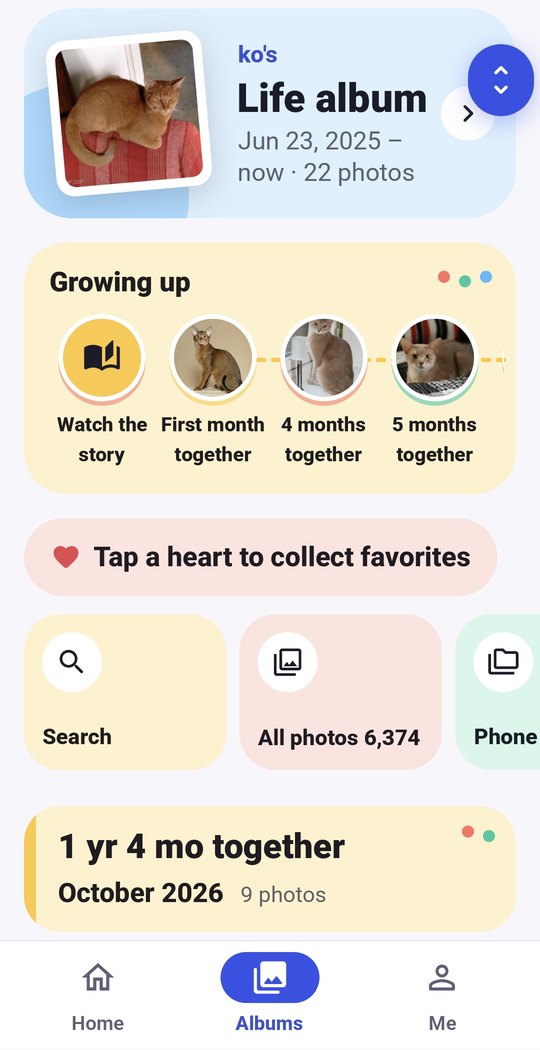
- Your pet's life album cover on top
- One photo for every age, growing up in a row
- Tap to flip through it as a story
- Only the photos you gave a heart
The real app screen, shown in English. Your pet greets you the moment you open it.
Your photos stay on your phone
You are trusting us with your whole camera roll, so we are careful. Finding and sorting your pet all happens on this phone.
Analysis stays on the phone
No server is used to recognize or sort your pet. Not a single photo is uploaded to analyze it.
No account needed
Albums, reminders, and cards all work without signing up. You sign in only to start a family album.
Your originals stay put
We never move or change the originals in your library. Deleted photos can be restored from the in-app trash for 30 days.
Make your pet's
first book today
My camera roll held thousands of photos of my pet, yet I only ever looked back at a few. I'm building pawlooks so those photos can live as one book for every age.
Try it and tell me what bugs you. I'll fix them one by one.
jin, maker of pawlooks
Get it on your iPhone
Free on the App Store. No sign-up to start.

Needs iOS 17 or later. Android is on the way.